Can I enter my username and password into Ninja and have Ninja AI connect to a service?
Last updated: March 24, 2026
No. Never enter your usernames or passwords into Ninja AI.
There are two safe ways to connect Ninja AI to external services:
1. Built-in MCP Server Connections
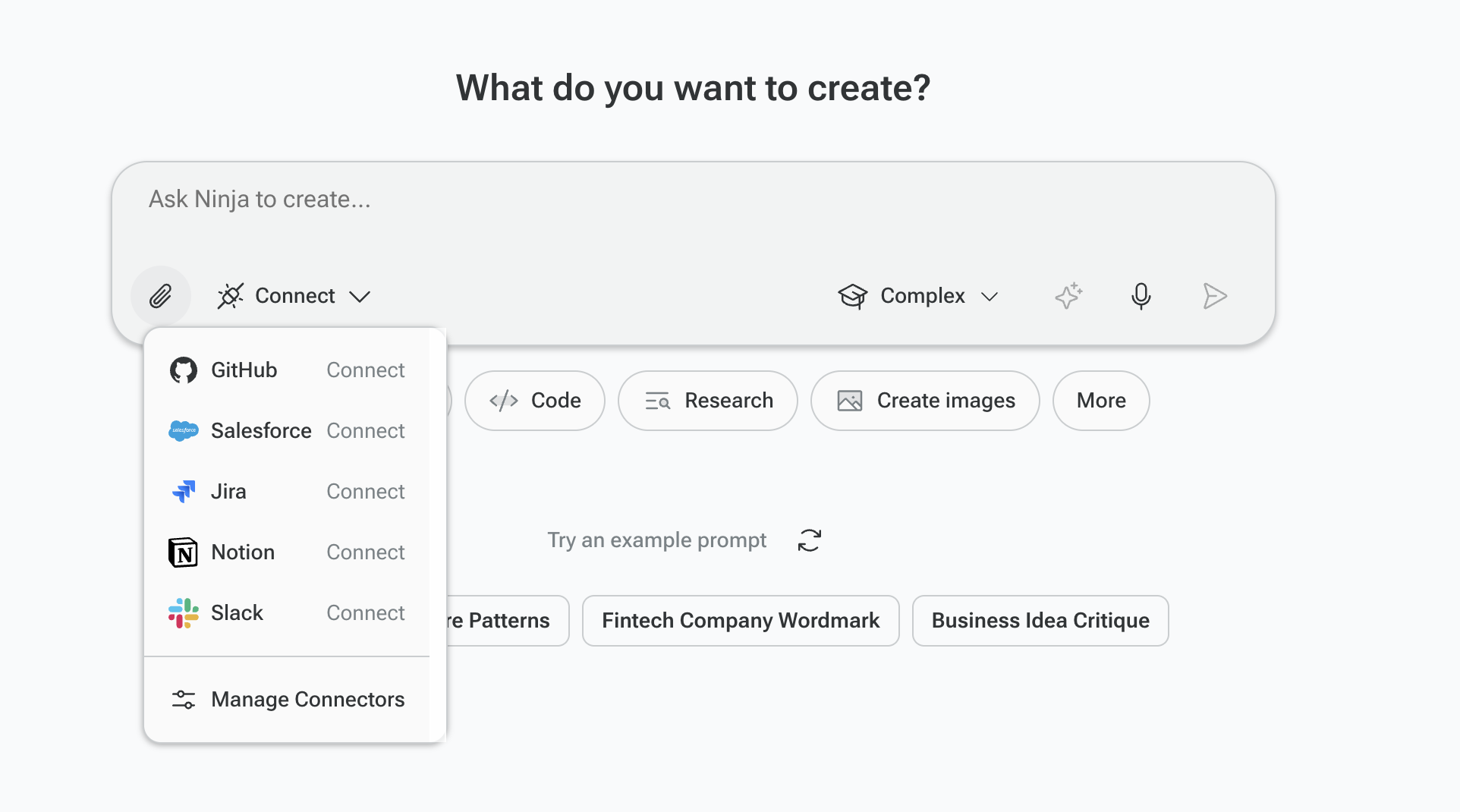
Ninja AI natively supports connecting to certain services via MCP (Model Context Protocol). You can find these integrations directly in the input box. These connections are handled securely without requiring you to share credentials.
2. Granting SuperNinja Browser Access
For services not supported natively, you can give SuperNinja access to your application directly through the Agent Browser — without ever sharing your password.
Here's how:
Click the Computer icon in the toolbar.
Select Agent Browser.
In the browser that opens, navigate to your application and log in yourself.
Once you're logged in, SuperNinja will have access to act on your behalf within that session.
This way, your credentials stay private — SuperNinja only sees what you've already opened and authorized. Do not enter any usernames or passwords into Ninja AI.
