How to Delete Chat History
Last updated: March 10, 2026
You can delete an individual chat. To do so, please follow these steps:
Find the chat you would like to delete in the left-hand navigation.
Click on the chat and you will see three dots next to the chat name.
Click on the three dots and choose Delete.
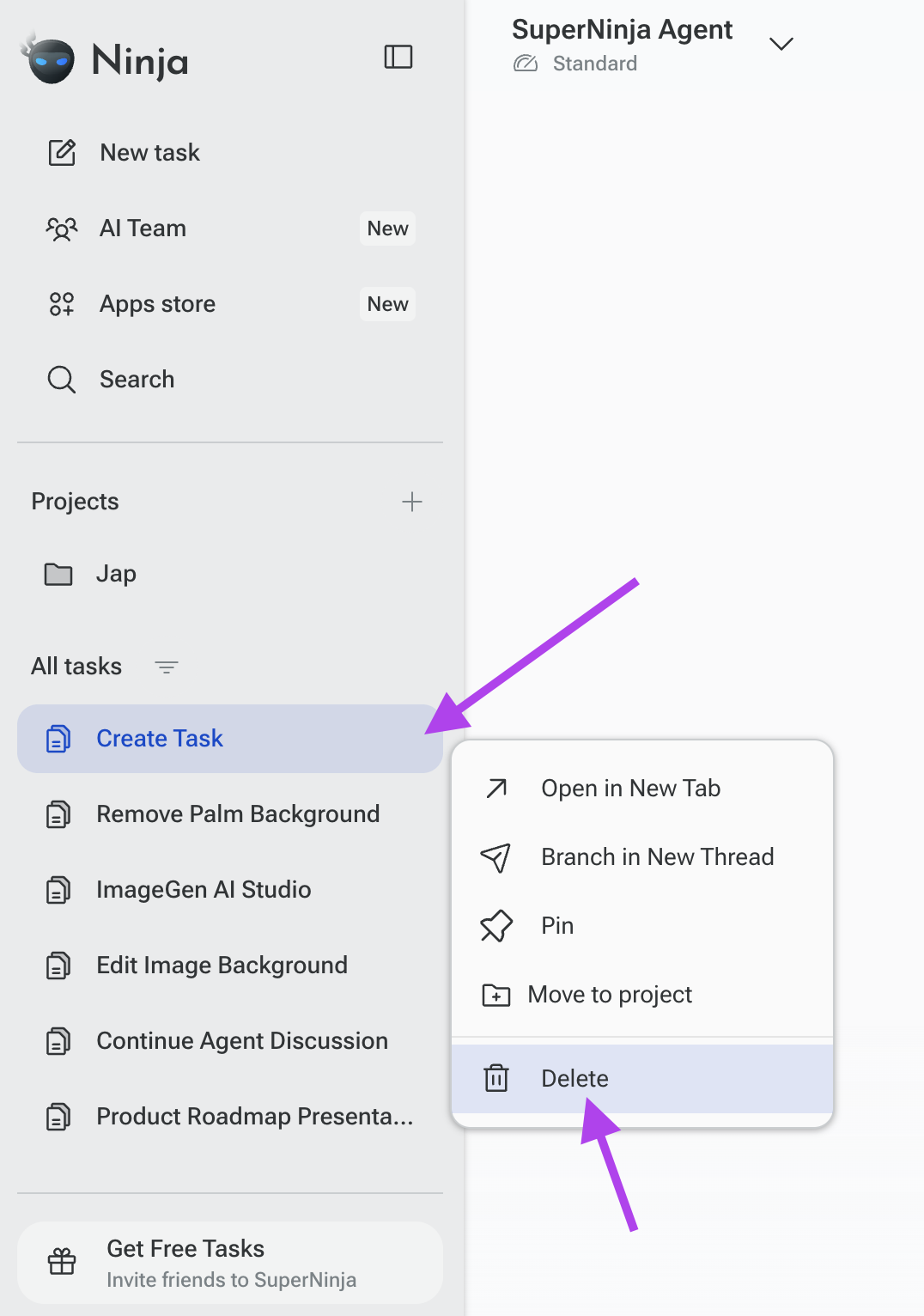
The chat will be permanently removed from your chat history.
If you want to keep important information before deleting a chat, consider copying the content or saving any files associated with the conversation.
If you have any questions, please contact us at support@ninjatech.ai or submit a request through this form. We’re here to help!