How to Use Connectors (MCP) in SuperNinja
Last updated: September 18, 2026
SuperNinja Connectors allow you to connect third-party tools directly to your task securely. This helps SuperNinja access relevant information and perform actions — without switching between platforms. We are actively adding new connectors —
Stay tuned. Feel free to email us at support@ninjatech.ai if you'd like to see any other integration.
What Are Connectors?
Connectors (powered by MCP) enable secure integration between SuperNinja and your external tools. When enabled, SuperNinja can:
Access relevant data (with your permission)
Use built-in tools to complete tasks faster
Provide more contextual and personalized responses
Extend its capabilities beyond standard chat
You remain in full control and can connect or disconnect at any time.
Supported Integrations
You can currently connect:
GitHub
Slack
Salesforce
Jira
Microsoft
More integrations may be added over time.
How to Connect a Connector
Follow these steps:
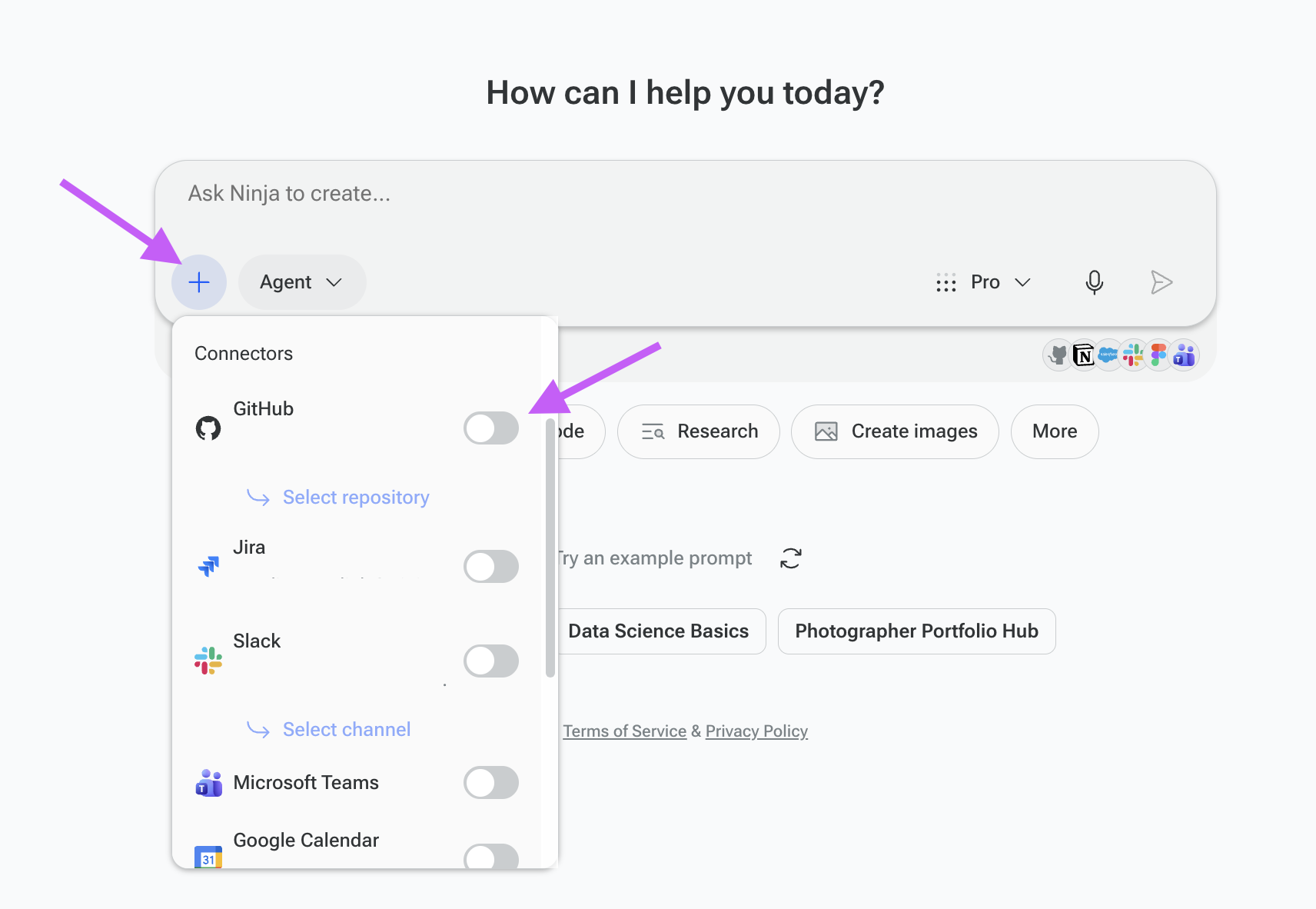
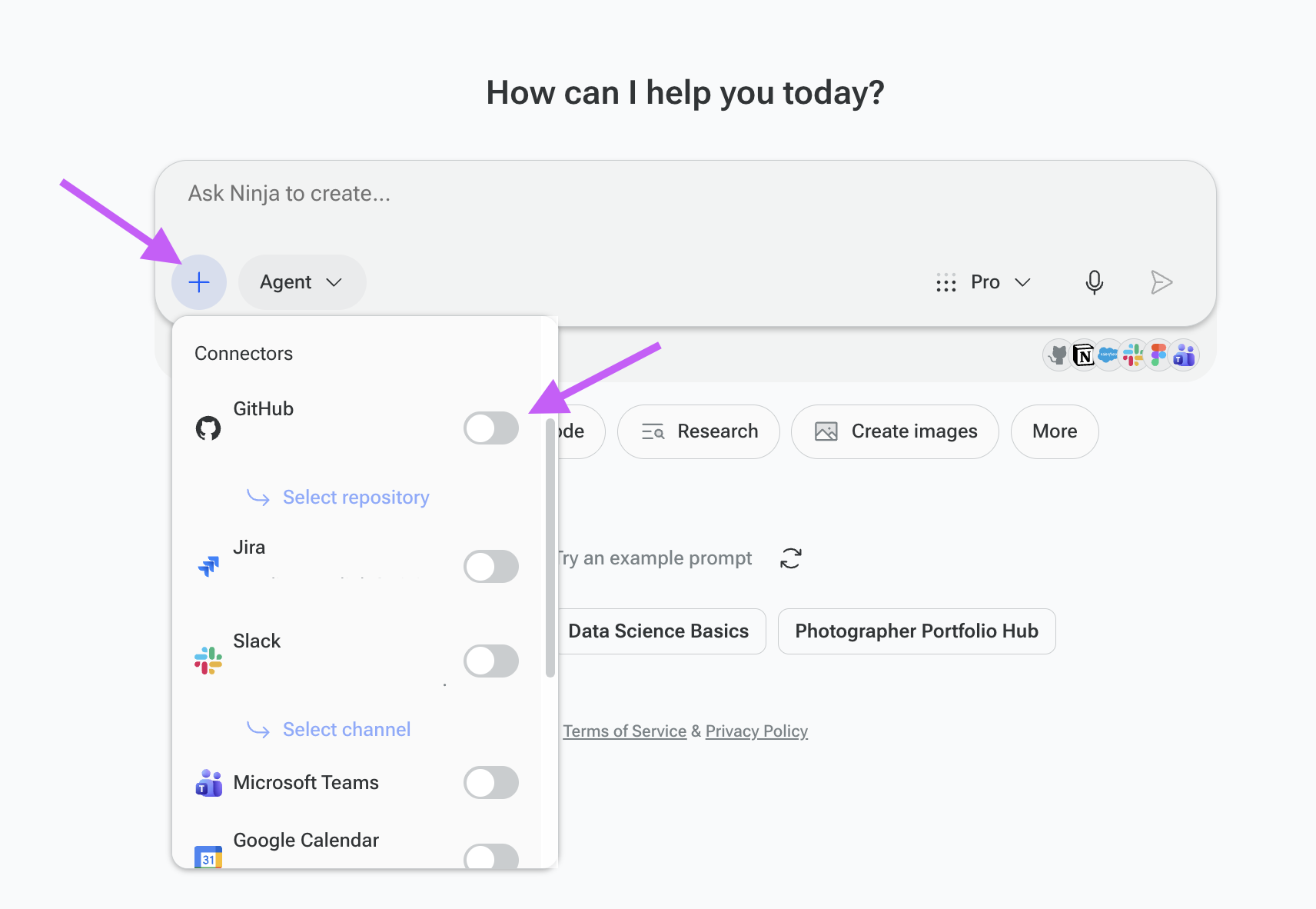
In the prompt box, click the “+” dropdown menu.
Select the connector you would like to use.
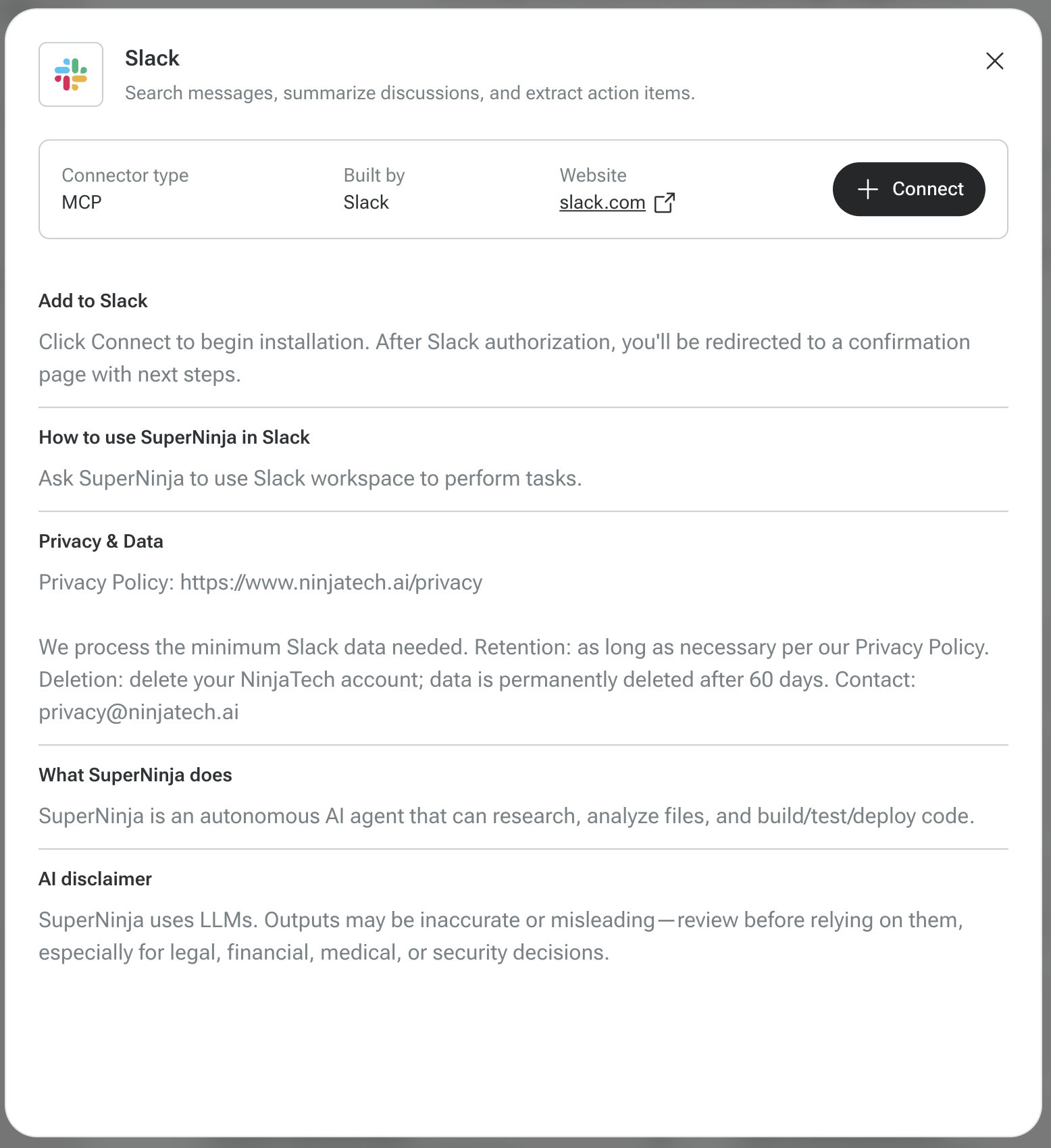
In the pop-up window, click “+ Connect.”
Log in to your account for that service.
After authentication, the connector will be added automatically.
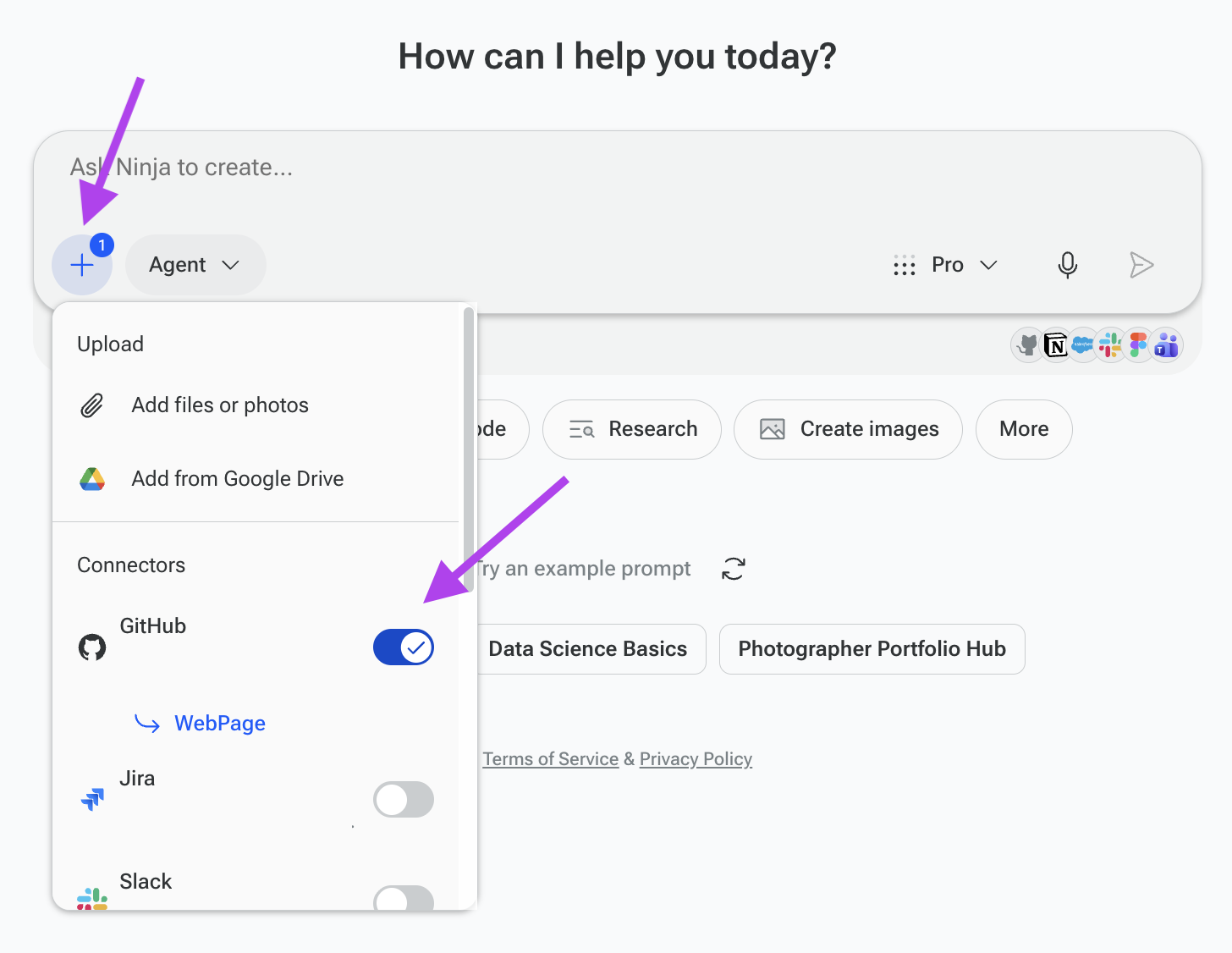
Open the Connect dropdown again and toggle the connector ON.
The connector is now active and ready to use within your task.
How to Disconnect a Connector
To disconnect:
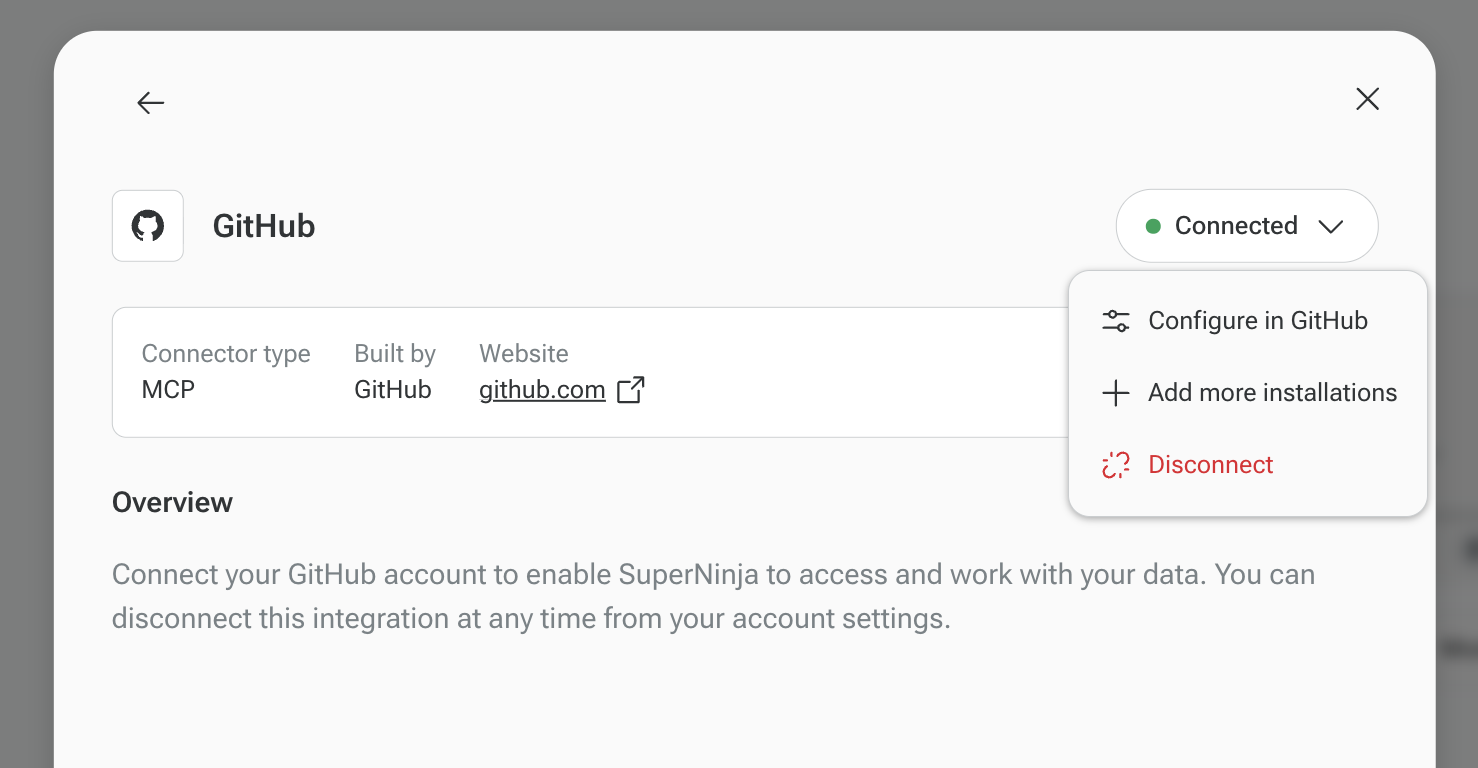
Click on the connector name inside the Connect dropdown.
In the pop-up window, click the “Connected” dropdown button.
Select “Disconnect.”
The connector will be fully removed.
Data & Security
We do not store your third-party data.
We do not retain ongoing access to your accounts.
When you disconnect a connector, access is removed.
All connections are made securely through MCP authentication.
If you have any questions, please contact us at support@ninjatech.ai or submit a request through this form. We’re here to help!