Uploading Files from Google Drive into SuperNinja
Last updated: June 26, 2026
You can easily upload files from Google Drive into SuperNinja:
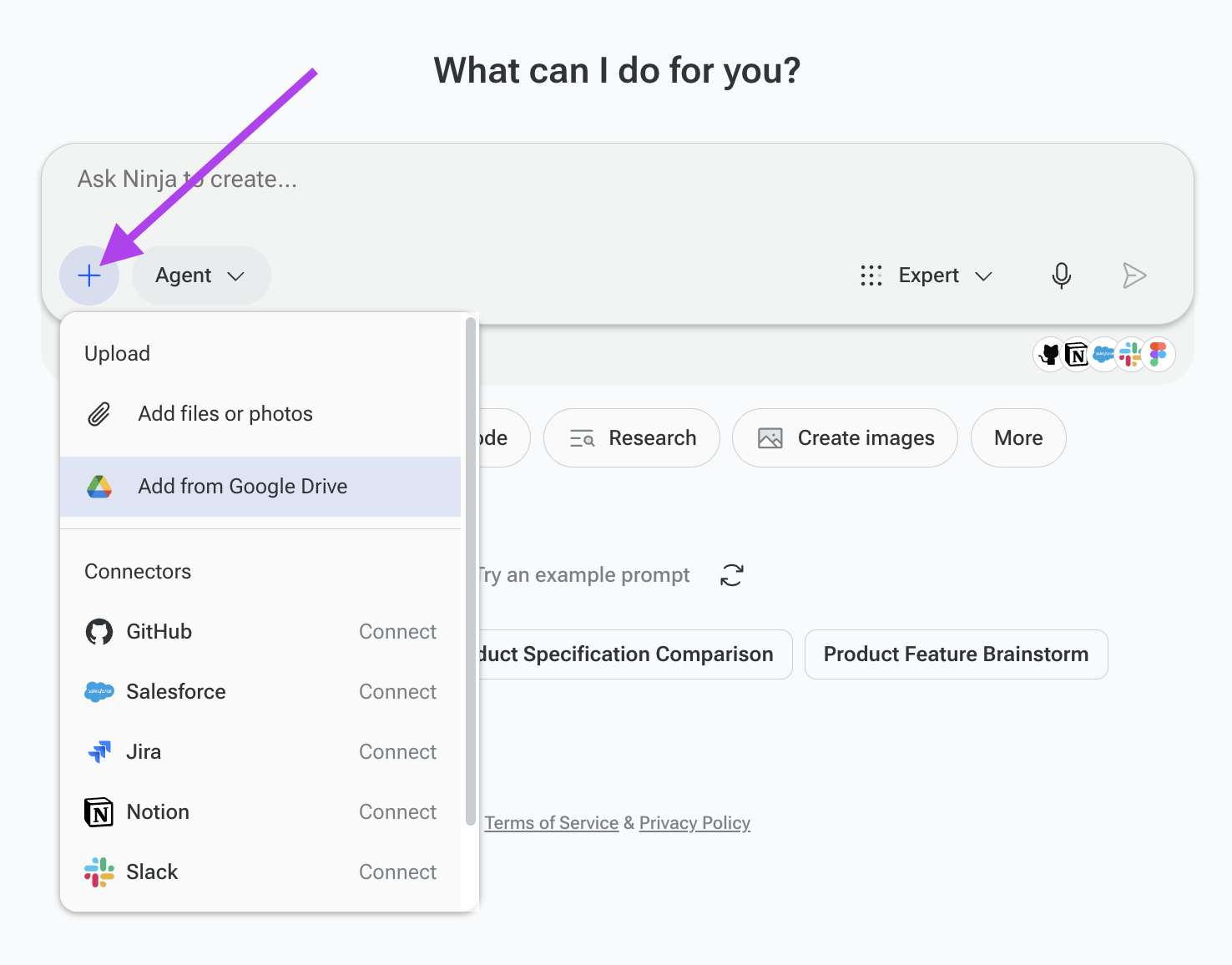
Click the attachment icon in the bottom-left corner of the input prompt box.
Select Add from Google Drive
Then choose the file you want to upload.
Write your prompt as usual.
SuperNinja will automatically save the file in your Workspace File so it can be used in your project.
If you have any questions, please contact us at support@ninjatech.ai or submit a request through this form. We’re here to help!