How to Use the Chat Mode in SuperNinja and How It Works
Last updated: September 9, 2026
The Chat Mode in SuperNinja is designed for simple questions, writing, and quick interactions. This makes it ideal for getting fast answers or short code snippets without using up your SuperNinja task balance. Additionally, the Chat Mode provides additional context for the agent, helping it better understand your requests and deliver more accurate, relevant responses.
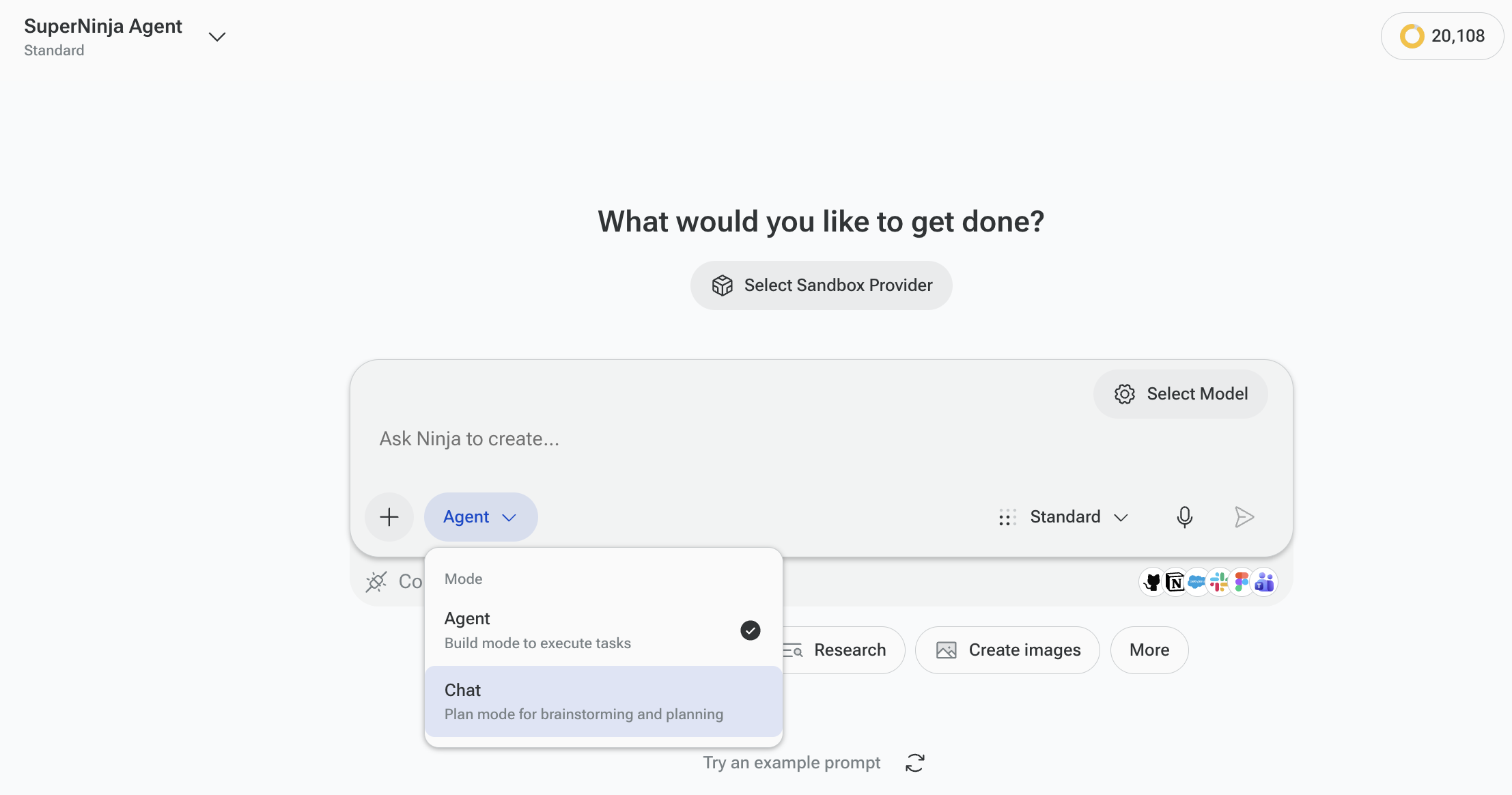
Use Chat Agent for tasks such as:
Generating or improving small pieces of code
Writing or editing short text
Asking quick questions or getting clarifications, explanations
Brainstorming Ideas
Text Improvement
If you have any questions, please contact us at support@ninjatech.ai or submit a request through this form. We’re here to help!