How to Use Deep Research
Last updated: June 26, 2026
SuperNinja’s Deep Research helps you develop web insights on any topic or answer questions 3–5x faster than traditional research. It aggregates expert-level insights from hundreds of sources, complete with citations and source links. You can use it to create presentations, reports, or datasets quickly, while maintaining accuracy and efficiency. Deep Research can also analyze web links directly, giving you deeper insights from any URL you provide.
How to Open and Use Fast Deep Research
Start a new task to open a fresh conversation.
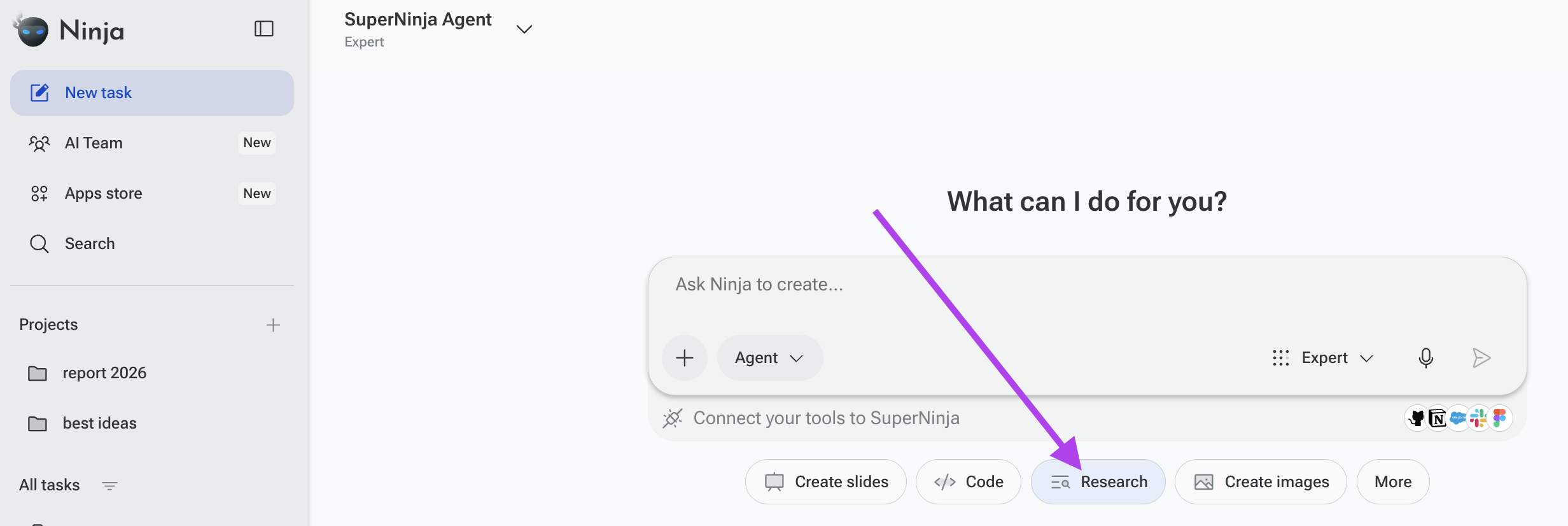
Under the prompt box, choose Research Agent from the available categories.
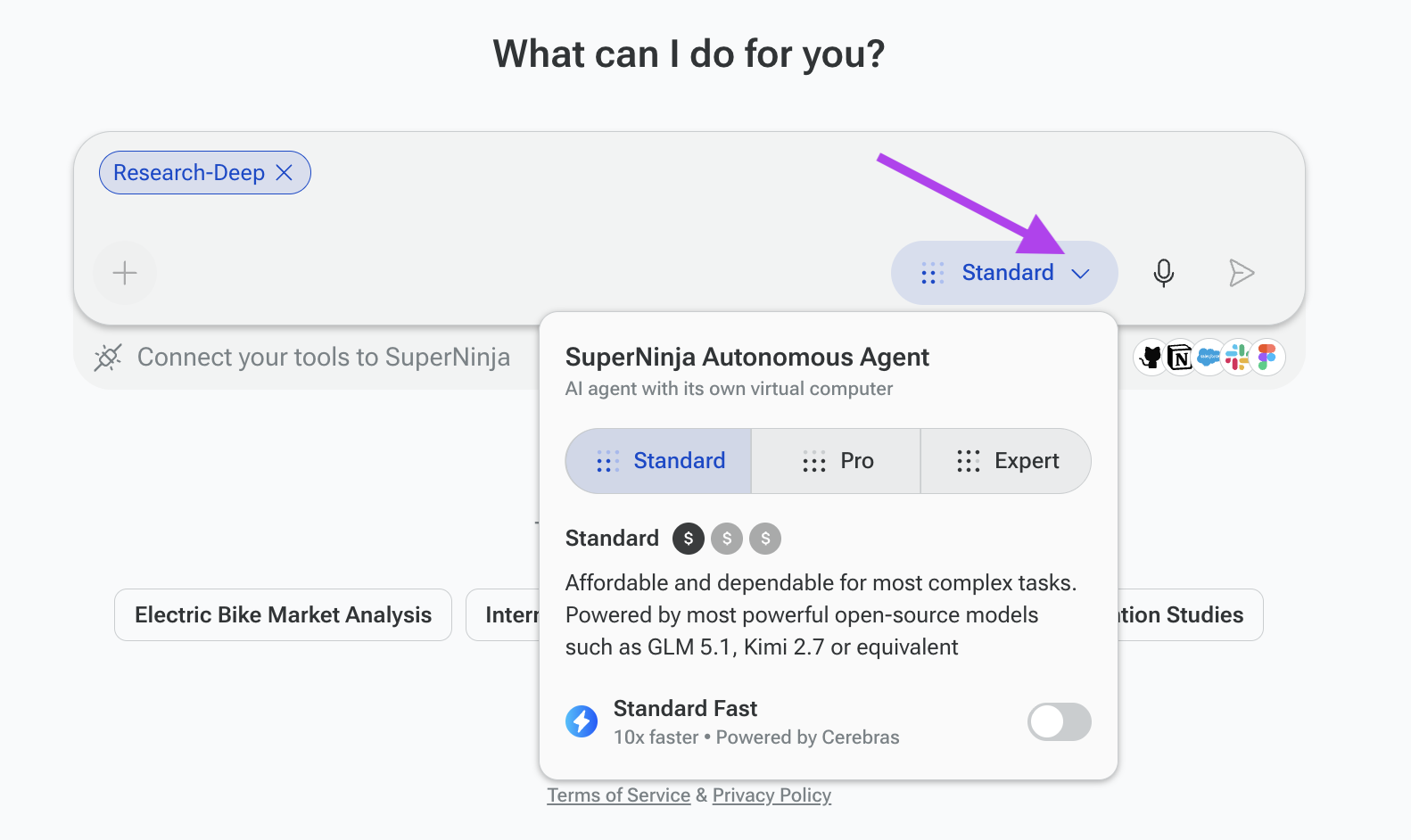
Provide clear instructions for the research task in the prompt box.
Press Send to start the conversation with the selected model.
Example:
"Search LinkedIn and Indeed for remote product manager job openings in San Francisco posted within the last 30 days. Compile the following information into columns in an Excel spreadsheet: company name, responsibilities, salary range, and the link to apply."
Once research is completed, click the file link shared by SuperNinja or click the folder icon in the top-right corner to view or download all workspace files.
Please note that each chat thread is restricted to the agent selected at the start of the conversation. For example, if you begin a conversation using the Research Agent, the entire thread will remain assigned to the Research Agent by default. It is not possible to switch to a different agent within the same thread.
If you have any questions, please contact us at support@ninjatech.ai or submit a request through this form. We’re here to help!